
If you made a mistake on your Indian eVisa application, you cannot edit it after submission. Contact the eVisa support team at [email protected] with your Application ID, or reapply with corrected details. Do not travel with incorrect information – airlines may refuse boarding and Indian immigration may deny entry.
Last updated: September 2026. Information verified against the official Indian eVisa portal at indianvisaonline.gov.in. This is an independent travel information website, not affiliated with the Government of India.
What Happens If You Submit a Mistake on Your Indian eVisa?
The Indian eVisa application form cannot be edited after submission. You must contact the eVisa support team with your Application ID or reapply with corrected details. Correcting an error requires your Application ID (sent to your registered email). Submitting a duplicate without checking the original status risks rejection of both.
According to the official Indian eVisa guidelines (source: indianvisaonline.gov.in), passport number and date of birth are classified as critical fields that cannot be amended post-submission. If the error remains unfixed, UK airlines operating routes to India enforce carrier sanctions under Bureau of Civil Aviation Security (BCAS) regulations and will deny boarding when your eVisa details do not match your passport exactly. Indian immigration may refuse entry and arrange deportation.
Airline Boarding Refusal
Airlines verify eVisa and passport details before issuing a boarding pass. If the name, passport number, or date of birth on your Indian eVisa application does not match your travel documents, the airline is obligated to deny carriage under BCAS regulations.
Can Indian Immigration Fix It on Arrival?
Indian immigration officials have limited discretion to amend minor clerical typos at the port of entry. This is not guaranteed. Correcting your Indian eVisa application error before departure is the only reliable way to avoid entry refusal at the Indian border.
Common Mistakes That Can Ruin Your Indian eVisa
Name misspellings, passport number typos, date-of-birth errors, and ETA mismatches are the most frequent Indian eVisa application errors causing rejection or boarding denial.
Wrong Name or Name Inversion
For name errors on your Indian eVisa application: inversion (given name swapped with surname) or transposition (letters rearranged) require full reapplication. Minor spelling typos may be fixable by contacting support.
Passport Number Typo
A passport number typo results in airline boarding denial. Airlines verify the passport number against the eVisa before issuing a boarding pass, making this a critical error requiring reapplication.
Date of Birth or Gender Mismatch
A date of birth or gender mismatch is classified as a critical error requiring a new Indian eVisa application. These fields cannot be corrected post-submission.
ETA Mismatch Explained
An ETA mismatch is caused by a name change after marriage, an old passport number, or incorrect visa type selection. Choosing the wrong visa type, such as tourist instead of business, usually demands full reapplication.
Which Errors Are Fixable and Which Require Full Reapplication?
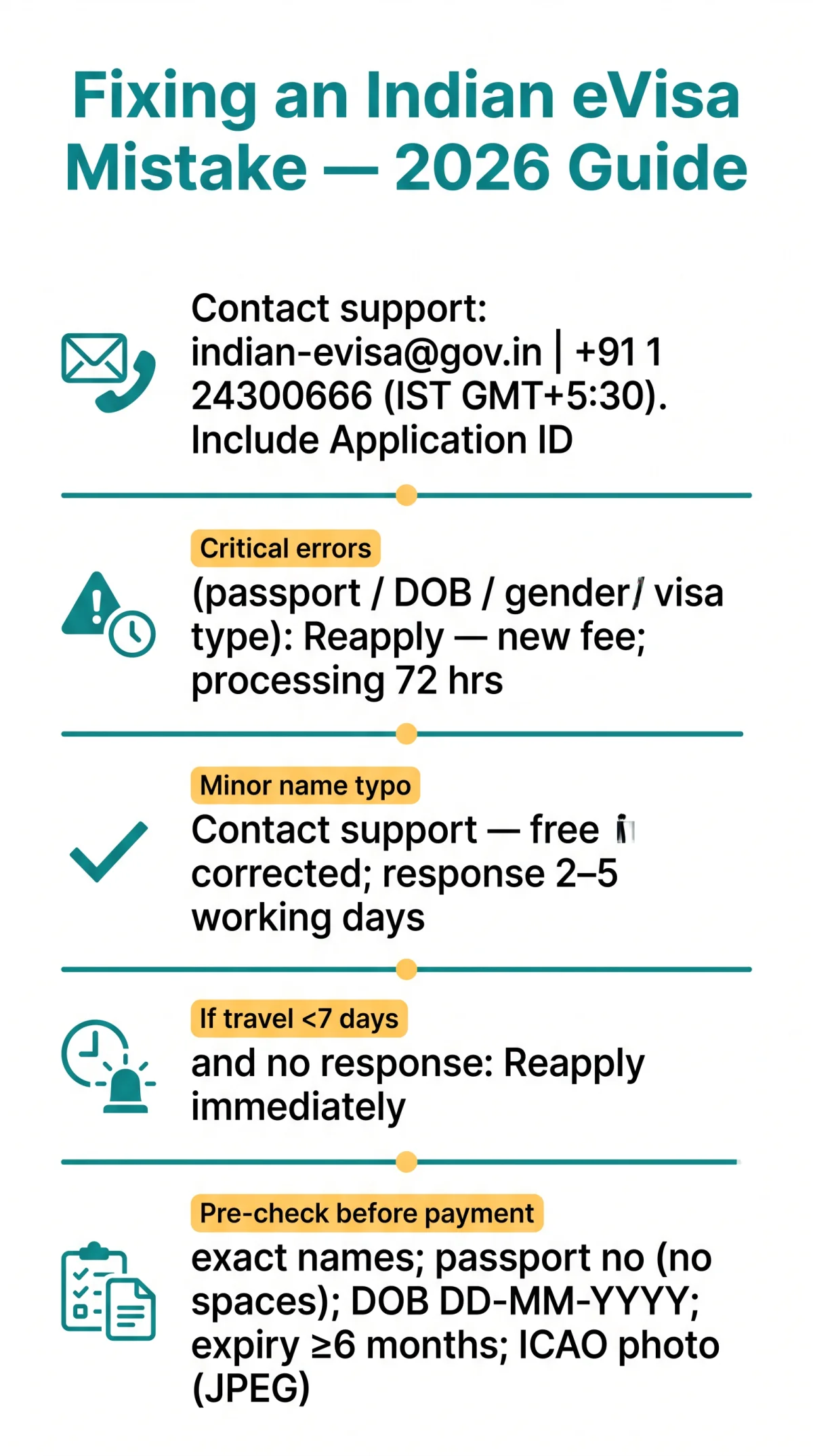
Critical errors on an Indian eVisa application – such as a wrong passport number, date of birth, or gender mismatch – require a full new application, while minor name spelling typos may be corrected by contacting support. Review the decision matrix below.
| Error Type | Stage | Action Required | Estimated Cost & Time |
|---|---|---|---|
| Name spelling typo (minor) | After submission | Contact support ([email protected]) | Free if corrected; 2-5 working days |
| Name inversion (given/surname swapped) | After submission | Reapply with new application | New fee; 72 hours processing |
| Passport number error | After submission | Reapply – critical field | New fee; 72 hours processing |
| Date of birth error | After submission | Reapply – critical field | New fee; 72 hours processing |
| Gender mismatch | After submission | Reapply – critical field | New fee; 72 hours processing |
| Wrong visa type / ETA category | After submission | Reapply with correct type | New fee; 72 hours processing |
| Unreadable photo / passport scan | After submission | Re-upload via Application ID | Free re-upload; no new fee |
How to Fix a Mistake – Step-by-Step Guide
To fix an Indian eVisa application error: locate your Application ID, contact support, and allow 2-5 working days for a response – or reapply if travel is within 7 days.
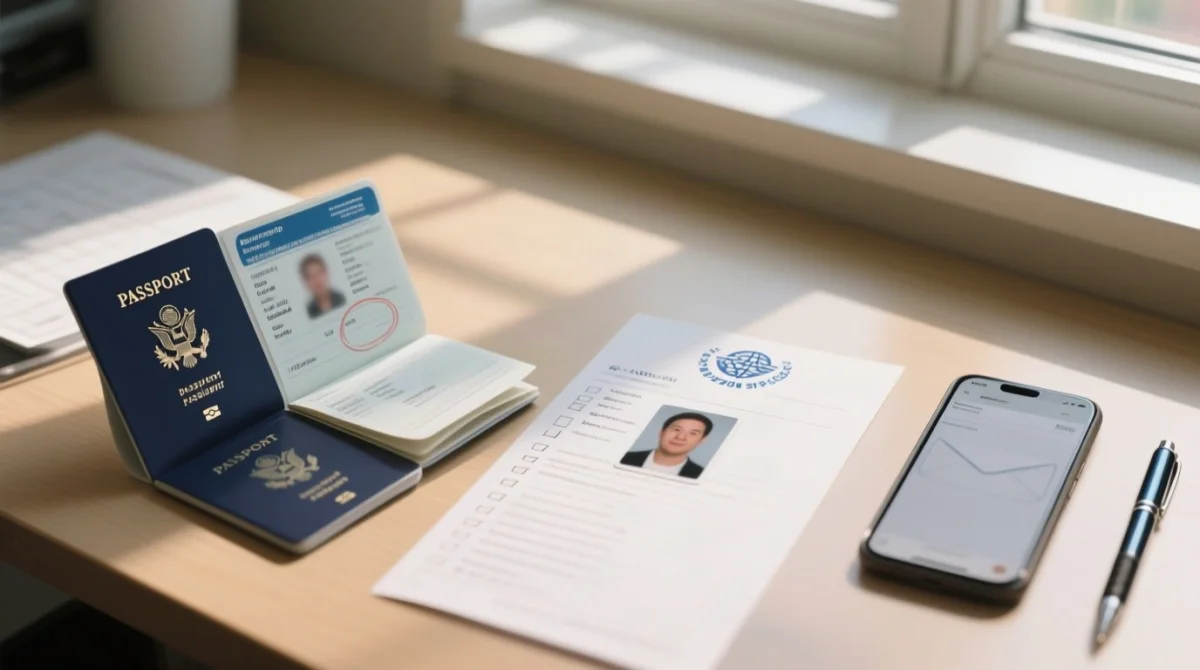
Find your Application ID
Locate it in the confirmation email sent after submission of your Indian eVisa application.
Contact eVisa support
Email [email protected] or call +91 11 24300666 (IST, GMT+5:30). At least 24 hours before departure.
Reapply if no response
If travel is within 7 days and no response arrived, reapply with corrected details. Standard processing: 72 hours.
UK Traveller Tips
Include all middle names exactly as printed on the GBR passport bio-page – omitting them can trigger a name mismatch. Enter the passport number without spaces or hyphens, exactly as printed on the document. Example: A UK traveller named James mistakenly swapped his given name and surname. He contacted support but did not receive a reply within 48 hours, so he reapplied and received his corrected Indian eVisa in 72 hours.
Pre-Submission Checklist – Catch Mistakes Before You Pay
Before paying for an Indian eVisa, verify that the given name, surname, passport number (no spaces), date of birth (DD-MM-YYYY), passport expiry, and photo match the passport exactly.
- Given name(s) and surname: match passport bio-page exactly
- Passport number: no spaces, no hyphens
- Date of birth: DD-MM-YYYY format
- Passport expiry: minimum 6 months from arrival in India
- Photo: ICAO compliant (standard since September 1, 2025), JPEG, white background
- Visa type: correct category selected
Frequently Asked Questions (FAQ) about Indian eVisa Application Mistakes
Can I correct my Indian eVisa after submitting it?
No – the form cannot be edited after submission. Contact support with your Application ID or reapply (72 hours, new fee). Do not travel with errors – airlines may refuse boarding.
How do I fix a name typo on my Indian eVisa?
Contact support with your Application ID, or reapply with the correct name as on your passport. A name inversion (given name and surname swapped) typically requires a full new application. Support response time is 2 to 5 working days.
What happens if my passport number is wrong on my Indian eVisa?
Your visa may be invalidated, and airlines may refuse boarding. Indian immigration may also deny entry. Reapply with the correct passport number, ensuring no spaces or hyphens. Standard processing: 72 hours.
How long does it take to correct an Indian eVisa mistake?
Support: 2-5 working days. New application: 72 hours. If travel is within 7 days and no response – reapply immediately with a fresh fee.
Can I get a refund for an incorrect Indian eVisa application?
No refunds for applicant errors. Contact support only if the error was system-caused.
Do I need to reapply if I made a mistake on my eVisa?
Yes, in most cases. Support may fix minor typos; critical errors (passport, DOB, gender, visa type) require reapplication (new fee, 72 hours).
Can Indian immigration fix a typo at the airport?
Officials have limited discretion, but this is not guaranteed. Do not rely on this. Fix any mistakes before travel by contacting support or reapplying. Contact support at least 24 hours before departure.
How do I contact Indian eVisa support from the UK?
Email [email protected] or call +91 11 24300666 (IST, GMT+5:30). When it’s 09:00 London, it’s 14:30 India. Include Application ID, passport number, and full name.
Should I include my middle name on the Indian eVisa application?
Yes – include all names exactly as on the passport bio-page. UK passports often list middle names; omitting one triggers a mismatch.
What documents do I need to correct my Indian eVisa?
Application ID, passport copy, and supporting documents (e.g., marriage certificate for a name change). Photo must be ICAO compliant (since Sept 1, 2025); passport scan as readable PDF.