If the eVisa India website down error blocks your application, first check isitdownrightnow.com for server status. For captcha, duplicate, or ETA issues, follow the step-by-step fixes below. The authorized portal is indianvisaonline.gov.in, managed by the Bureau of Immigration. Avoid third-party .org.in domains that may charge extra fees.
This guide was last verified on 9 September 2026. Helpdesk numbers and portal URLs were confirmed as active on that date. This site is an independent travel information portal and is not operated by the Government of India or the Bureau of Immigration. Always verify critical details on indianvisaonline.gov.in.
Is the eVisa India Website Down? Server Errors, Browser Fixes & Payment Failures
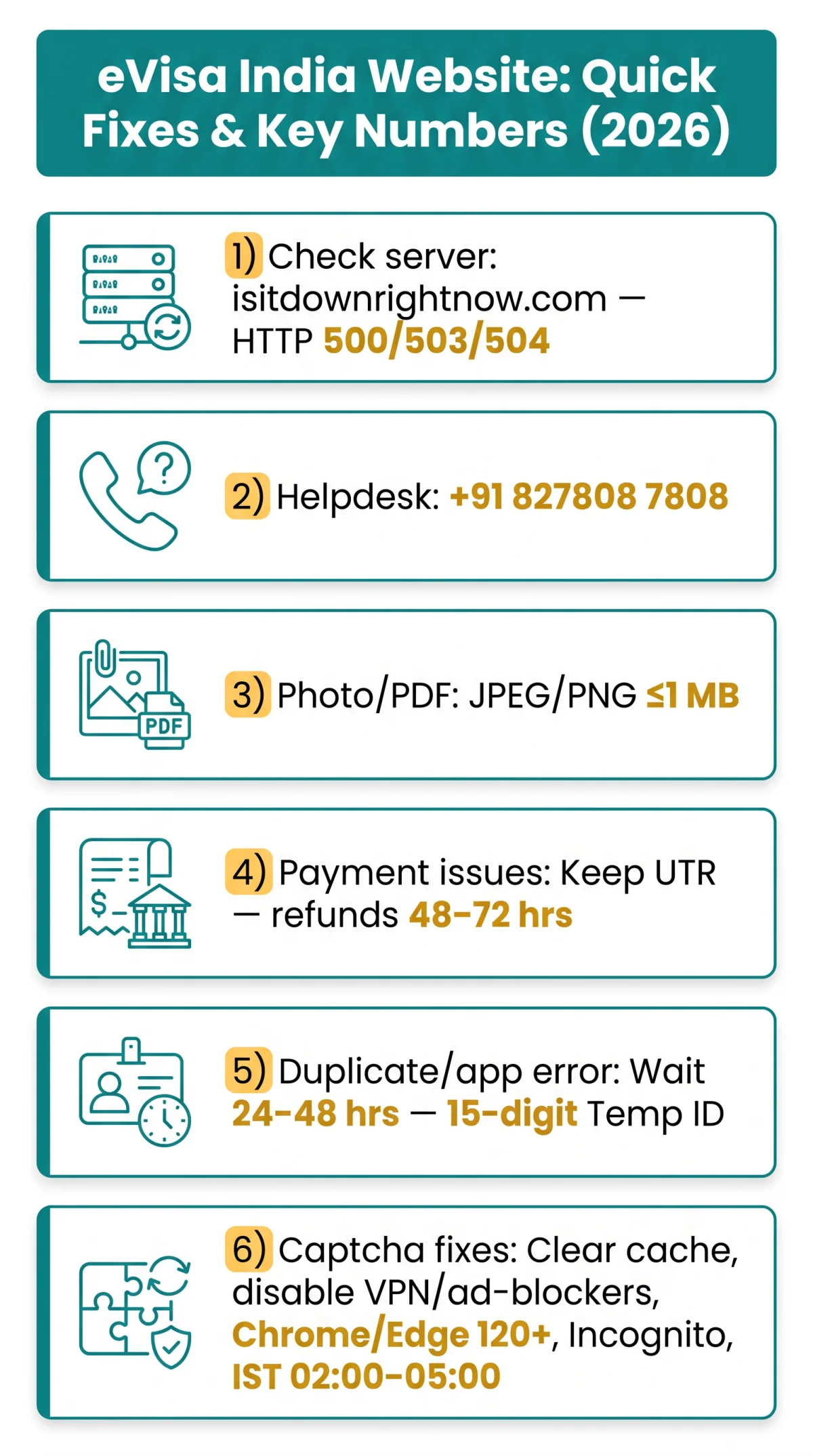
Verify server status at isitdownrightnow.com. HTTP 500/503/504 mean the eVisa India portal server is down – your device and internet are fine. Only use indianvisaonline.gov.in; third-party .org.in domains are not authorized by the Bureau of Immigration and may charge extra fees.
- Clear Chrome or Edge cache and cookies for indianvisaonline.gov.in, then reload in incognito mode.
- Disable any VPN or proxy; the eVisa India portal may geo-block non-standard IPs.
- For photo or PDF uploads, use JPEG/PNG format, ≤1 MB file size.
- Do not resubmit a payment that failed after bank debit. Keep the UTR (bank reference) and contact helpdesk at (+91) 827808 7808. Refund or confirmation typically arrives within 48-72 hours.
- Try the Indian Visa Su-Swagatam mobile app instead.
eVisa India Captcha Not Loading or Verifying? Step-by-Step Fix
A non-loading captcha blocks form submission on the eVisa India website. Clearing cookies for indianvisaonline.gov.in and disabling VPN usually restores it immediately.
Clear cookies and cache
Clear cookies and cache for indianvisaonline.gov.in in your browser settings.
Disable ad-blockers
Disable all ad-blockers and script-blocking extensions for the portal domain.
Turn off VPN
Turn off your VPN connection; the eVisa India portal may geo-block non-standard IP addresses.
Switch browser
Switch to Chrome 120+ or Edge 120+; avoid Safari versions below 16.4 on older macOS where captcha rendering breaks. A UK applicant on Safari 15 (macOS Monterey) reported captcha loops; switching to Chrome 120 resolved it immediately.
Use incognito mode
Open an incognito or private browsing window and reload the application page.
Retry off-peak
Retry during off-peak hours, IST 02:00 to 05:00 (approximately 21:30 to 00:30 BST), when server load is lowest.
UK users: switch off your VPN before loading the captcha. If it still loops after all steps, report to helpdesk (+91) 827808 7808, providing browser name, OS, and error screenshot. For official processing timelines, see the Bureau of Immigration eVisa guidelines.
Duplicate Application Error on indianvisaonline.gov.in – What to Do
A “passport number already used” error on the eVisa India portal means a crashed session left an orphan record; wait 24-48 hours before requesting deletion via helpdesk. If you suspect a data entry issue rather than a server glitch, see our guide on what to do if you made a mistake on your Indian eVisa application.
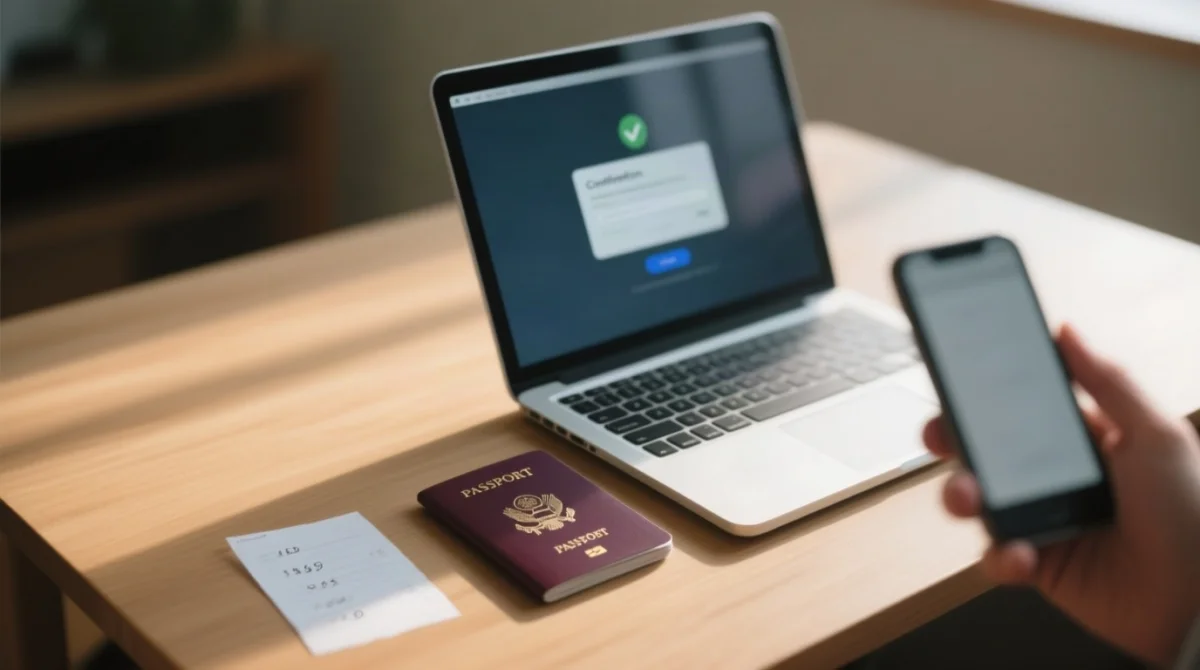
This often happens when a server timeout submits the form twice, leaving an orphan record. To recover your progress, locate the 15-digit Temporary Application ID from your initial confirmation screen and use it to query your eVisa India application status on indianvisaonline.gov.in/evisa/.
- Wait 24-48 hours – the orphan record may auto-clear.
- If the error persists, contact the eVisa India helpdesk at (+91) 827808 7808 requesting orphan record deletion.
- Do not submit a parallel application with the same passport number – this triggers the same error and risks duplicate charges.
- Re-apply only after receiving deletion confirmation from the helpdesk.
Didn’t Receive Your eVisa India ETA Email? How to Retrieve It Online
Use the Verify Visa/ETA Status tool on indianvisaonline.gov.in/evisa/ with your passport number and date of birth to download the eVisa India ETA PDF directly.
You can retrieve your ETA without the email. Follow these steps:
- Check spam and junk folders first. UK users on Gmail should inspect the Promotions tab; Outlook users should check the Clutter folder.
- Open the Verify Visa/ETA Status tool at indianvisaonline.gov.in/evisa/.
- Enter your passport number and date of birth to query the eVisa India database.
- Download and print the returned ETA PDF.
- If the portal shows no record, contact the helpdesk at (+91) 827808 7808 with your 15-digit Temporary Application ID and passport number.
Processing time for UK passport holders is typically within 72 hours, extending to up to 5 business days during peak periods. If your status remains “Under Process” beyond this window, you can check the status of your Indian eVisa application and escalate via the helpdesk. Note: the e-Arrival Card (distinct from the eVisa) must be submitted at indianvisaonline.gov.in/earrival/ within 72 hours before arrival in India.
eVisa India Payment Failed or Money Taken? Contact Support From the UK
If eVisa India payment was deducted but unconfirmed, do not resubmit; check transaction status on the portal and contact helpdesk with the bank reference number.
Do not resubmit payment
Do not resubmit payment after a failed transaction – this risks a double charge in GBP.
Check transaction status
Check transaction status via the portal query tool at indianvisaonline.gov.in/evisa/.
Contact helpdesk
Contact the eVisa India helpdesk at (+91) 827808 7808 with your UTR or bank reference number.
Wait for resolution
Refund or confirmation typically arrives within 48-72 hours.
Escalate if unresolved
If unresolved, escalate via the MADAD grievance portal (referenced by the Embassy of India, Berne) or your nearest Indian embassy/consulate.
What to have ready: 15-digit Temporary Application ID, passport number, payment reference number, and screenshot of the error message.
FAQ: eVisa India Website Issues
What is the correct website for an Indian eVisa?
The authorized portal is indianvisaonline.gov.in, managed by the Bureau of Immigration. Avoid .org.in domains.
Why isn’t my eVisa website working today?
Maintenance (late night IST), high traffic, or browser cache cause the eVisa India website down error. Check isitdownrightnow.com; if 500/502/504, clear cache and disable VPN.
How do I download my eVisa if I never received the email?
Use Verify Visa/ETA Status at indianvisaonline.gov.in/evisa/ with passport + DOB to download ETA PDF. If no record, contact helpdesk with Temp ID.
Can I apply for an Indian eVisa more than once for the same passport?
No – triggers duplicate error. Wait 24-48h or contact helpdesk to clear orphan record. Do not submit parallel application.
Is it safe to enter my passport details on the eVisa website?
Yes, on the .gov.in domain. Never enter data on non-government sites.
How long does the Indian eVisa take to process for UK citizens?
Up to 72h (5 business days peak). Contact eVisa India helpdesk (+91) 827808 7808 if overdue.
My payment was taken but application says pending, what happens to my money?
Do not resubmit. Check portal query tool. Contact helpdesk with bank reference – resolution within 48-72h.
Can I check my eVisa application status without the confirmation email?
Yes – use portal status check with passport + DOB or Temporary Application ID.